반응형

Double Commander 10

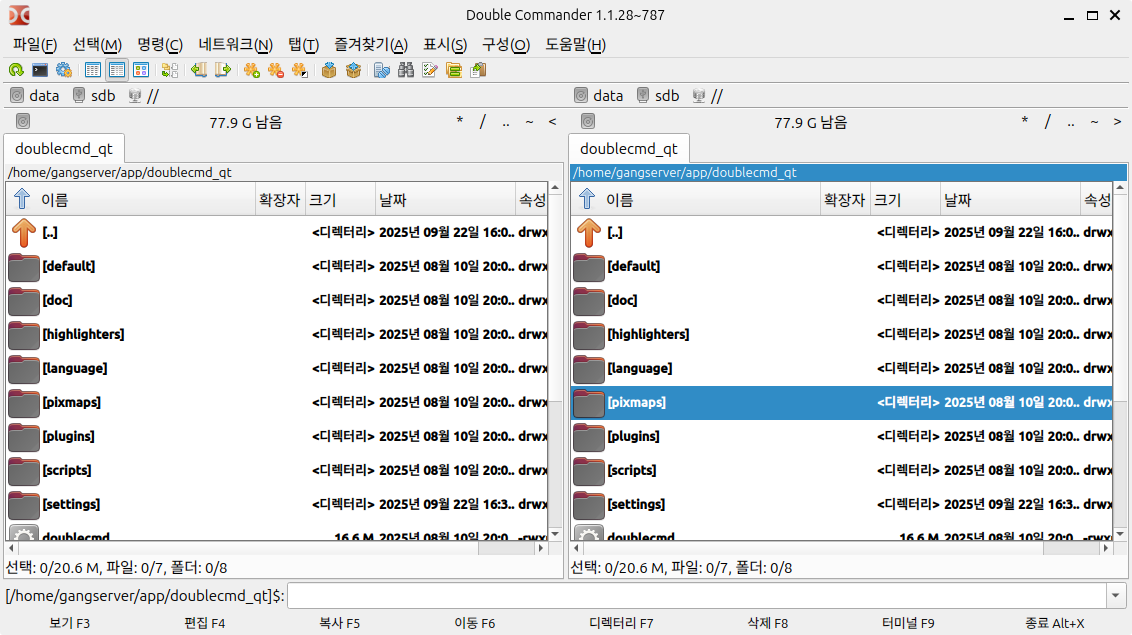
libQt5PrintSupport.so.5 error when running double commander (doublecmd) qt version on Ubuntu

[ Error message at runtime ]gangserver@RC530-U0922:~/app/doublecmd_qt$ ./doublecmd./doublecmd: error while loading shared libraries: libQt5PrintSupport.so.5: cannot open shared object file: No such file or directory [ Solution ]Install libqt5pas1$ sudo apt install libqt5pas1 [ Execution Log ]gangserver@RC530-U0922:~/app/doublecmd_qt$ sudo apt install libqt5pas1패키지 목록을 읽는 중입니다... 완료의존성 트리를 만드는 중..

OS/Ubuntu 2025.09.22

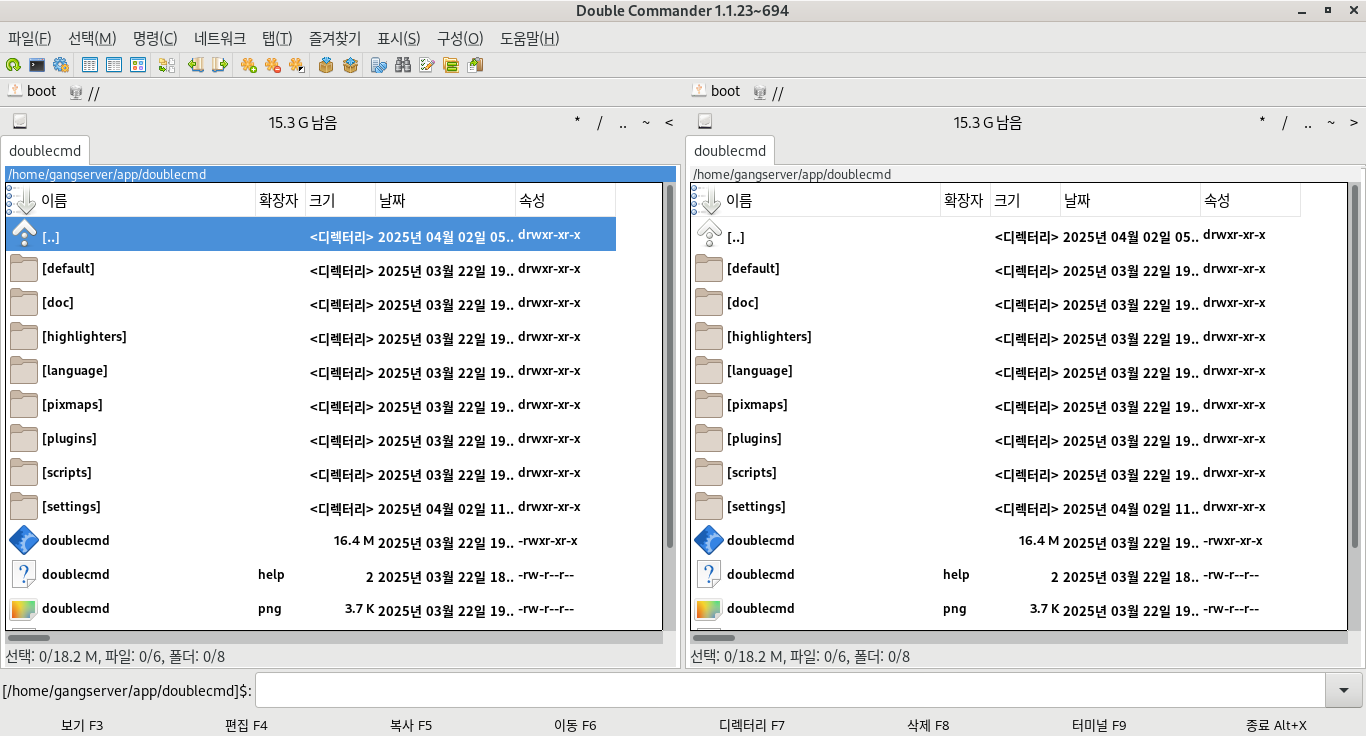
CentOS Stream 9 : libgtk-x11-2.0.so.0 error when running Double Commander

[ Error message ][gangserver@localhost doublecmd]$ ./doublecmd ./doublecmd: error while loading shared libraries: libgtk-x11-2.0.so.0: cannot open shared object file: No such file or directory [ Solve ]Install gtk2$ sudo dnf install gtk2 [gangserver@localhost doublecmd]$ sudo dnf install gtk2 마지막 메타자료 만료확인(1:07:25 이전): 2025년 09월 22일 (월) 오전 06시 39분 11초. 종속성이 해결되었습니다. ============================..

OS/CentOS 2025.09.22

Ubuntu 24.04 Double Commander Qt version execution error - libQt5PrintSupport.so.5

[ Error message ]gangserver@S550-PFB5L:~/app/doublecmd_qt$ ./doublecmd./doublecmd: error while loading shared libraries: libQt5PrintSupport.so.5: cannot open shared object file: No such file or directory [ Solution ]Install libqt5pas-dev.$ sudo apt install libqt5pas-dev [ Install log ]gangserver@S550-PFB5L:~/app/doublecmd_qt$ sudo apt install libqt5pas-dev패키지 목록을 읽는 중입니다... 완료의존성 트리를 만드는 중입니다...

OS/Ubuntu 2025.03.03

Ubuntu double commander qt5 libQt5Pas.so.1 error

double commander qt5 version libQt5Pas.so error"error while loading shared libraries: libQt5Pas.so.1: cannot open shared object file: No such file or directory" install libqt5pas-dev$ sudo apt install libqt5pas-dev [ Execution log ]$ sudo apt install libqt5pas-dev패키지 목록을 읽는 중입니다... 완료의존성 트리를 만드는 중입니다... 완료상태 정보를 읽는 중입니다... 완료 다음의 추가 패키지가 설치될 것입니다 : libqt5pas1 libqt5printsupport5t64제안하는 ..

OS/Ubuntu 2025.02.21

Raspberry Pi double commander install

Double commander gtk version install$ sudo apt install doublecmd-gtk Double commander qt version install$ sudo apt install doublecmd-qt [ GTK version ](Korean)user@raspberrypi:~ $ sudo apt install doublecmd-gtk패키지 목록을 읽는 중입니다... 완료의존성 트리를 만드는 중입니다... 완료상태 정보를 읽는 중입니다... 완료 The following additional packages will be installed: doublecmd-common doublecmd-plugins제안하는 패키지: doublecmd-help-en..

OS/Raspberry Pi 2023.04.21
728x90
반응형