반응형

install 179

우분투 24.04 OpenJDK 8 설치 / 삭제

1. 설치 2. 삭제 OpenJDK 8 설치 $ sudo apt install openjdk-8-jdk [ 실행 로그 ]gangserver@RC530-U0922:~$ sudo apt install openjdk-8-jdk패키지 목록을 읽는 중입니다... 완료의존성 트리를 만드는 중입니다... 완료상태 정보를 읽는 중입니다... 완료 다음의 추가 패키지가 설치될 것입니다 : libice-dev libpthread-stubs0-dev libsm-dev libx11-dev libxau-dev libxcb1-dev libxdmcp-dev libxt-dev openjdk-8-jdk-headless openjdk-8-jre openjdk-8-jre-headless x11proto-dev xorg..
OS/Ubuntu 2025.09.22

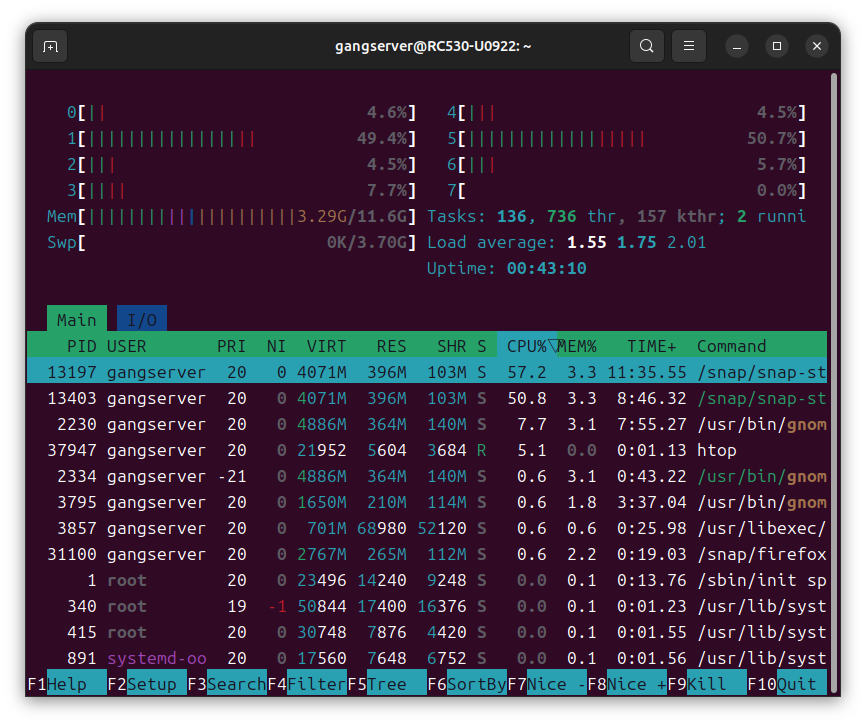
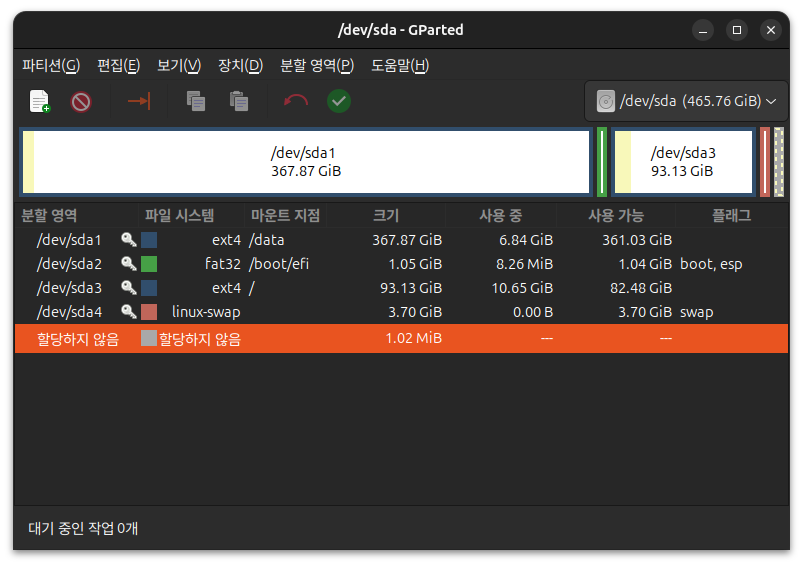
Ubuntu 24.04 GParted, GPart install

1. Install GParted, GPart$ sudo apt install gparted gpart [ Execution Log ]gangserver@RC530-U0922:~$ sudo apt install gparted gpart패키지 목록을 읽는 중입니다... 완료의존성 트리를 만드는 중입니다... 완료상태 정보를 읽는 중입니다... 완료 다음의 추가 패키지가 설치될 것입니다 : gparted-common libatkmm-1.6-1v5 libcairomm-1.0-1v5 libglibmm-2.4-1t64 libgtkmm-3.0-1t64 libpangomm-1.4-1v5 libparted-fs-resize0t64 libsigc++-2.0-0v5제안하는 패키지: dmraid jfsu..

OS/Ubuntu 2025.09.22

Ubuntu 24.04 build-essential install

$ sudo apt install build-essential [ Execution Log ]gangserver@RC530-U0922:~$ sudo apt install build-essential패키지 목록을 읽는 중입니다... 완료의존성 트리를 만드는 중입니다... 완료상태 정보를 읽는 중입니다... 완료 다음의 추가 패키지가 설치될 것입니다 : binutils binutils-common binutils-x86-64-linux-gnu dpkg-dev fakeroot g++ g++-13 g++-13-x86-64-linux-gnu g++-x86-64-linux-gnu gcc gcc-13 gcc-13-x86-64-linux-gnu gcc-x86-64-linux-gnu libalgorit..

OS/Ubuntu 2025.09.22

CentOS Stream 9 Ark install

$ sudo dnf install ark * If you get an error like the one below, install aspell and try again.https://gangserver.tistory.com/317 CentOS Stream 9 libaspell.so.15 error[ Error message ] - nothing provides libaspell.so.15()(64bit) needed by kf5-sonnet-core-5.115.0-1.el9.x86_64 from epel(설치 할 수 없는 꾸러미를 건너 뛰려면 '--skip-broken'을 (를) 추가하십시오 또는 '--nobest'는 최적 후보의 꾸dasom.net [ Error log ][gangserver@local..

OS/CentOS 2025.09.22

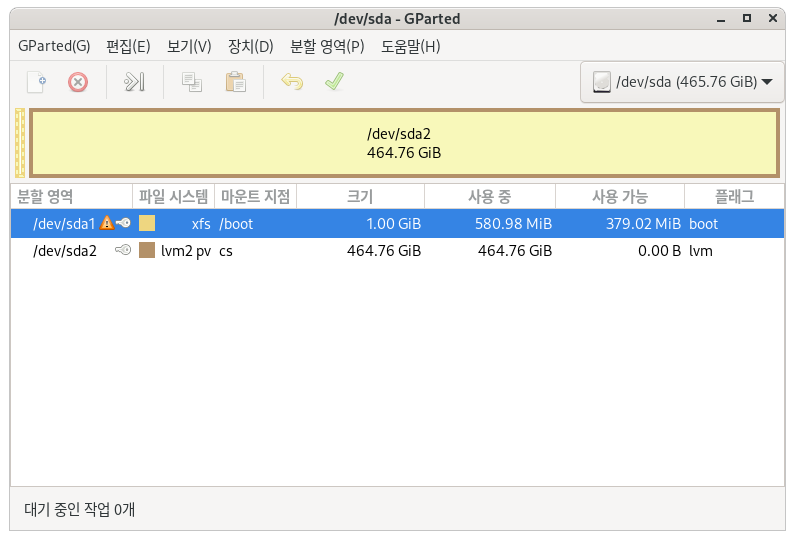
CentOS Stream 9 GParted, GPart install

1. (If epel-release is not installed) Please install it by referring to the url below.https://gangserver.tistory.com/370 2. Install gparted$ sudo dnf install gparted [ Execution Log ][gangserver@localhost ~]$ sudo dnf install gparted [sudo] gangserver의 암호: 마지막 메타자료 만료확인(1:53:57 이전): 2025년 09월 22일 (월) 오전 06시 39분 11초. 종속성이 해결되었습니다. ================================================================..

OS/CentOS 2025.09.22

CentOS Stream 9 python 3.13 install

Current Python version$ python --versionor$ python -V [ Execution Log ][gangserver@localhost ~]$ python --version Python 3.9.23 Install Python 3.13$ sudo dnf install python3.13or$ sudo yum install python3.13 [ Execution Log ][gangserver@localhost ~]$ sudo dnf install python3.13 마지막 메타자료 만료확인(0:53:04 이전): 2025년 09월 22일 (월) 오전 06시 39분 11초. 종속성이 해결되었습니다. ===========================================..

OS/CentOS 2025.09.22

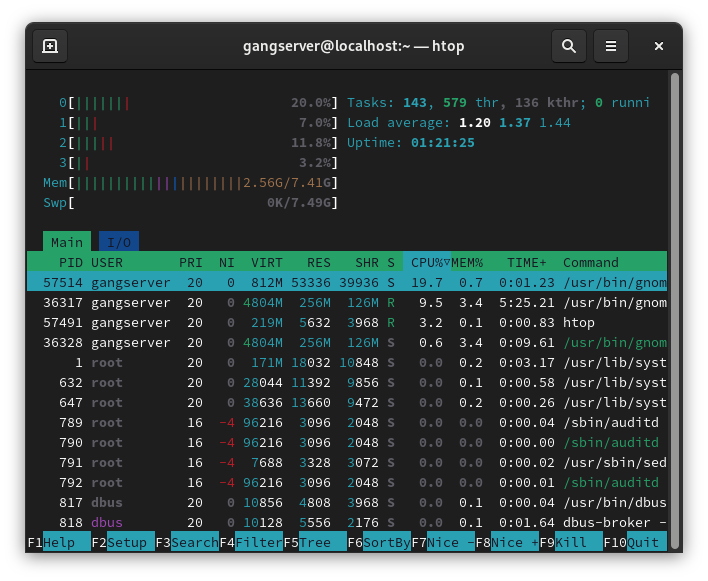
CentOS Stream 9 htop install

1. (If epel-release is not installed) Please install it by referring to the url below.https://gangserver.tistory.com/370 2. Install htop$ sudo dnf install htop [ Execution Log ][gangserver@localhost ~]$ sudo dnf install htop [sudo] gangserver의 암호: 마지막 메타자료 만료확인(0:13:51 이전): 2025년 09월 22일 (월) 오전 06시 39분 11초. 종속성이 해결되었습니다. =========================================================================..

OS/CentOS 2025.09.22

CentOS Stream 9 Microsoft Edge rpm install error (liberation-fonts)

1. Download Edgehttps://www.microsoft.com/edge/business/download 비즈니스용 Microsoft Edge 다운로드 및 배포Download and Deploy Microsoft Edge for Business조직에 대한 최신 버전의 비즈니스용 Microsoft Edge를 다운로드하여 배포합니다. 이 빠르고 안전한 엔터프라이즈 브라우저를 Windows, Mac 또는 Linux에서 다운로드하세요.www.microsoft.com - Download the last > Linux > Linux(.rpm) version : 140.0.3485.81Download file name : microsoft-edge-stable-140.0.3485.81-1.x86_64.rp..

OS/CentOS 2025.09.22
728x90
반응형